Website Hacked? A Step-by-Step Recovery Guide for Businesses
 Blessedave Technologies 4 min read
On this page
You open your website and see strange content, a redirect to a spam site, or a browser warning saying the site may harm visitors. Customers start calling. A hacked website is stressful, but a calm, methodical response limits the damage. Here is what to do, step by step.
How do you know your website has been hacked?
- Visitors are redirected to unfamiliar or spam websites.
- Google shows "This site may be hacked" or browsers display security warnings.
- Unknown pages appear in search results, often selling unrelated products.
- Your host suspends the site or reports malware.
- New admin users you did not create.
- Your domain starts sending spam email.
- Pages change, or unfamiliar files and code appear.
Step 1: Stay calm and contain the damage
Put the site into maintenance mode or take it offline temporarily to protect visitors. Inform your team so they can answer customer questions consistently. If payment or personal data may be affected, note the time you discovered the issue.
Step 2: Change all passwords
Change passwords for the website admin, hosting control panel, FTP or SSH, database, domain registrar and email accounts. Use strong, unique passwords and enable two-factor authentication wherever possible. Remove any admin users you do not recognise.
Step 3: Preserve evidence
Before cleaning, take a copy of the infected files, database and server logs. They help identify how the attacker got in and may be needed if data was compromised.
Step 4: Find out how they got in
Common entry points include outdated plugins, themes or CMS versions; weak or reused passwords; compromised hosting accounts; insecure file upload forms; and abandoned test installations on the same server. Fixing the symptom without closing the entry point usually leads to reinfection.
Step 5: Clean or restore the site
| Option | When to use it |
|---|---|
| Restore a clean backup | You have a backup from before the infection and can identify when it started |
| Manual clean-up | No clean backup exists; malicious code is removed file by file and from the database |
| Rebuild | The site is old, heavily compromised or overdue for replacement anyway |
After restoring, apply all updates immediately; otherwise the same vulnerability remains.
Step 6: Update and harden everything
- Update the CMS, plugins, themes and server software.
- Remove unused plugins, themes and old installations.
- Set correct file permissions and disable file editing from the admin area.
- Add a web application firewall, for example through Cloudflare.
- Limit login attempts and enforce two-factor authentication.
Step 7: Clear search engine warnings
In Google Search Console, check the Security issues report. Once the site is clean, request a review so warnings are removed. Also check for spam pages the attacker created and make sure they now return a "not found" or "gone" status so they drop out of search results.
Step 8: Check email and data
If your domain sent spam, review your email settings and records such as SPF, DKIM and DMARC. If personal data may have been accessed, take advice on your obligations under Kenya's Data Protection Act, which can include notifying the Office of the Data Protection Commissioner and affected people.
Step 9: Monitor closely
Watch the site for several weeks: security scans, file change alerts, new admin users and Search Console reports. Reinfection soon after a clean-up usually means the entry point was not fully closed.
How do you prevent future hacks?
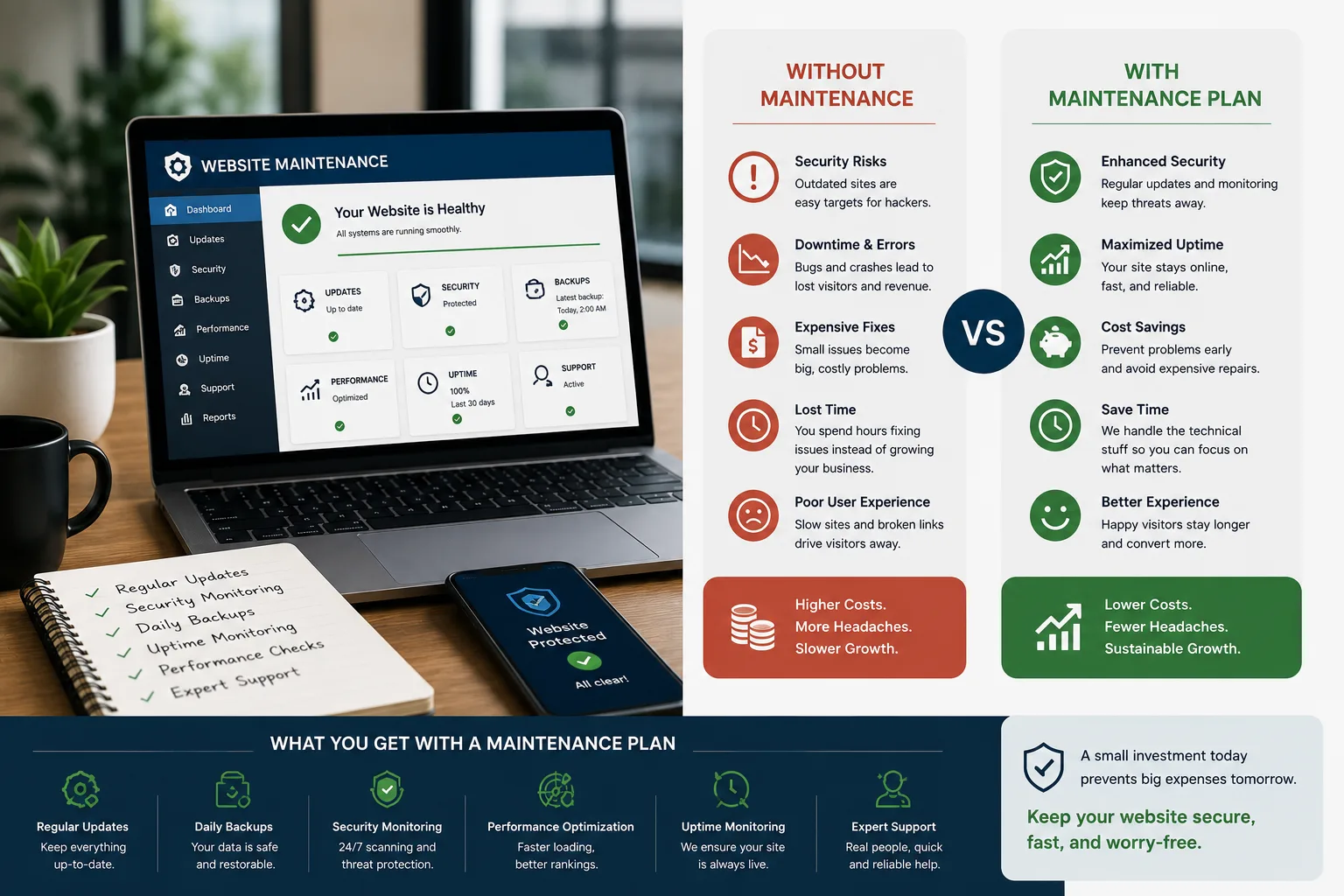
- Keep all software updated, ideally under a maintenance plan.
- Use strong, unique passwords and two-factor authentication.
- Keep tested backups stored separately from your hosting.
- Remove unused plugins, themes and user accounts.
- Use reputable hosting with security monitoring.
- Give each person only the access they need.
See also cybersecurity basics for Kenyan SMEs and our website maintenance checklist.
Example: a typical recovery
A business notices its site redirecting mobile visitors to a gambling page. Investigation finds an outdated plugin with a known vulnerability. The team takes the site offline, changes every password, saves a copy of the infected files, restores a clean backup from before the plugin was compromised, updates everything, removes three unused plugins, adds a firewall and two-factor logins, and requests a Google review. The site is back the same day, and monitoring confirms no reinfection.
Get help now
If your site has been hacked, our website maintenance team can clean, restore and secure it, and keep it protected afterwards. If the site is outdated and repeatedly compromised, a secure rebuild may be the better investment.
FAQ
Frequently asked questions
What is the first thing to do when my website is hacked?
Contain the damage by putting the site into maintenance mode, then change all passwords for the website, hosting, domain and email.
Can I just restore a backup?
Restoring a clean backup is often the fastest fix, but you must also update software and close the entry point, or the site can be hacked again.
How do I remove Google's hacked site warning?
Clean the site completely, then request a review in the Security issues report of Google Search Console.
Why do websites get hacked?
Most attacks are automated and target outdated software, weak passwords and insecure plugins, regardless of business size.
Written by
Blessedave TechnologiesEditorial team
The Blessedave Technologies team designs and builds websites, custom software, e-commerce systems and SEO/AEO programmes for businesses in Nairobi and across Kenya.

Comments
No comments yet. Start the conversation.